 Golden Dog Games
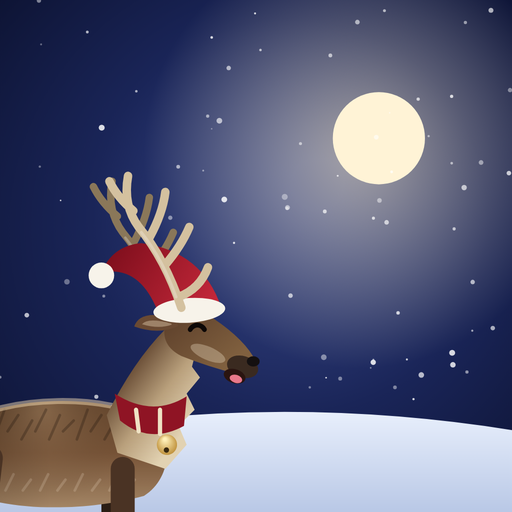
Pip – A Reindeer Adventure
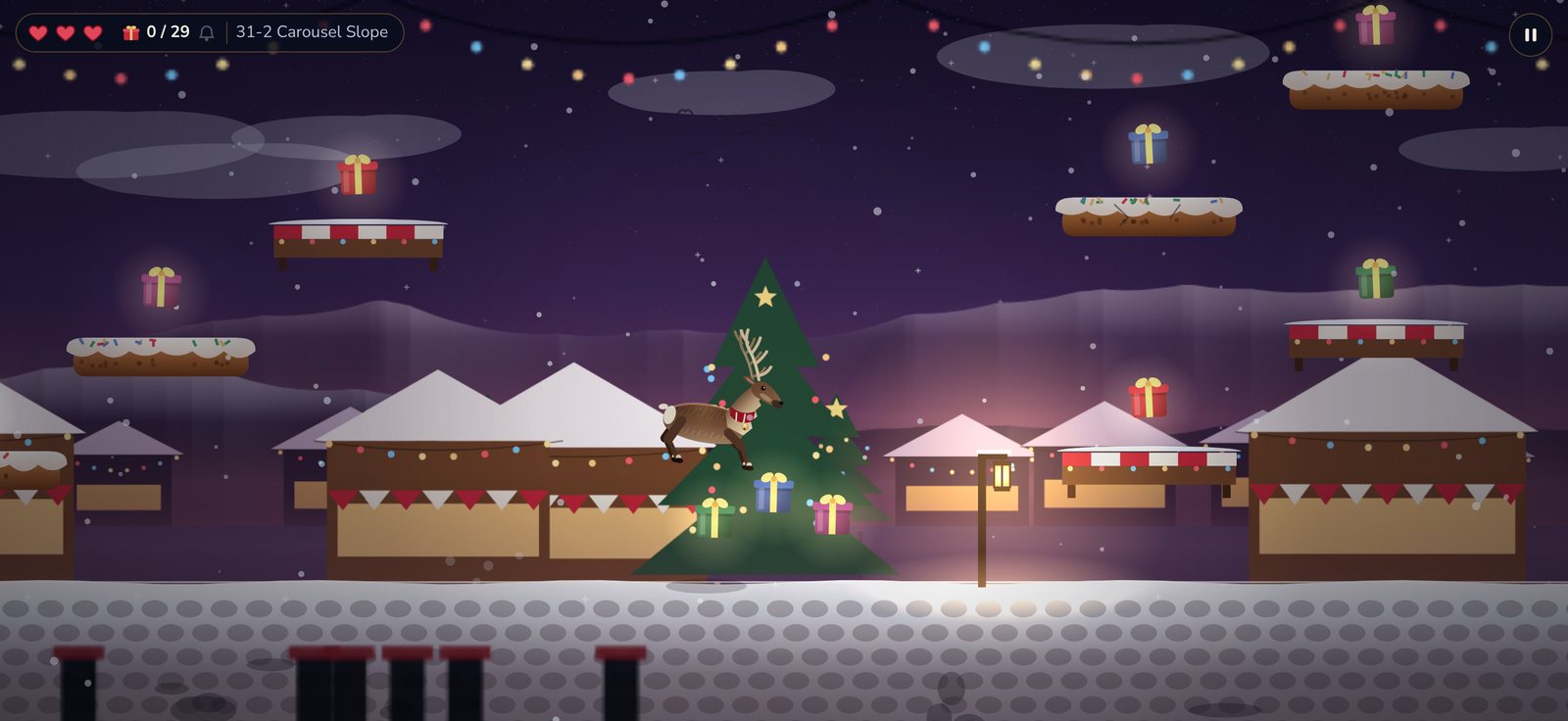
A snowstorm has scattered the presents all over the land. Help Pip, the brave reindeer with a scarf and a little bell, collect them before Christmas Eve.
App Store
A look at Pip
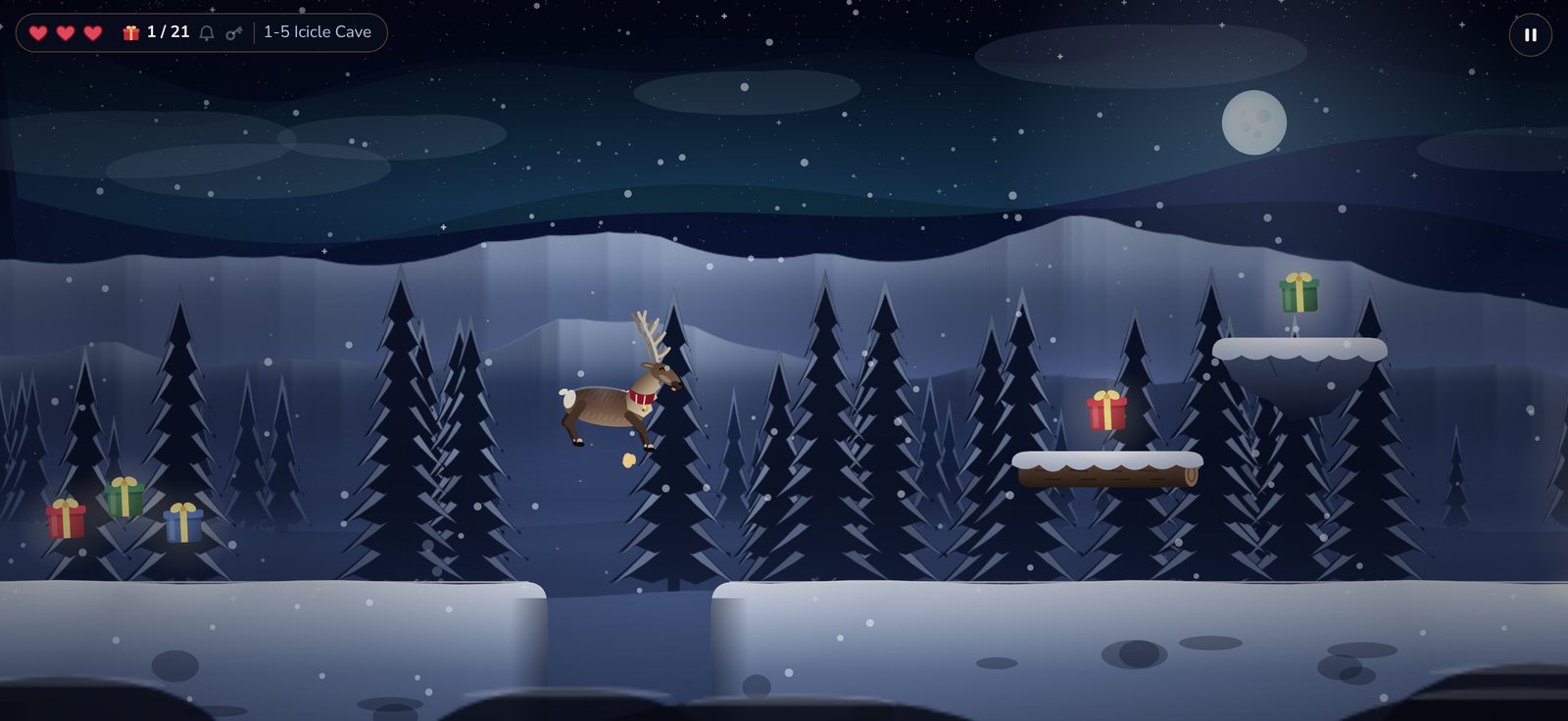
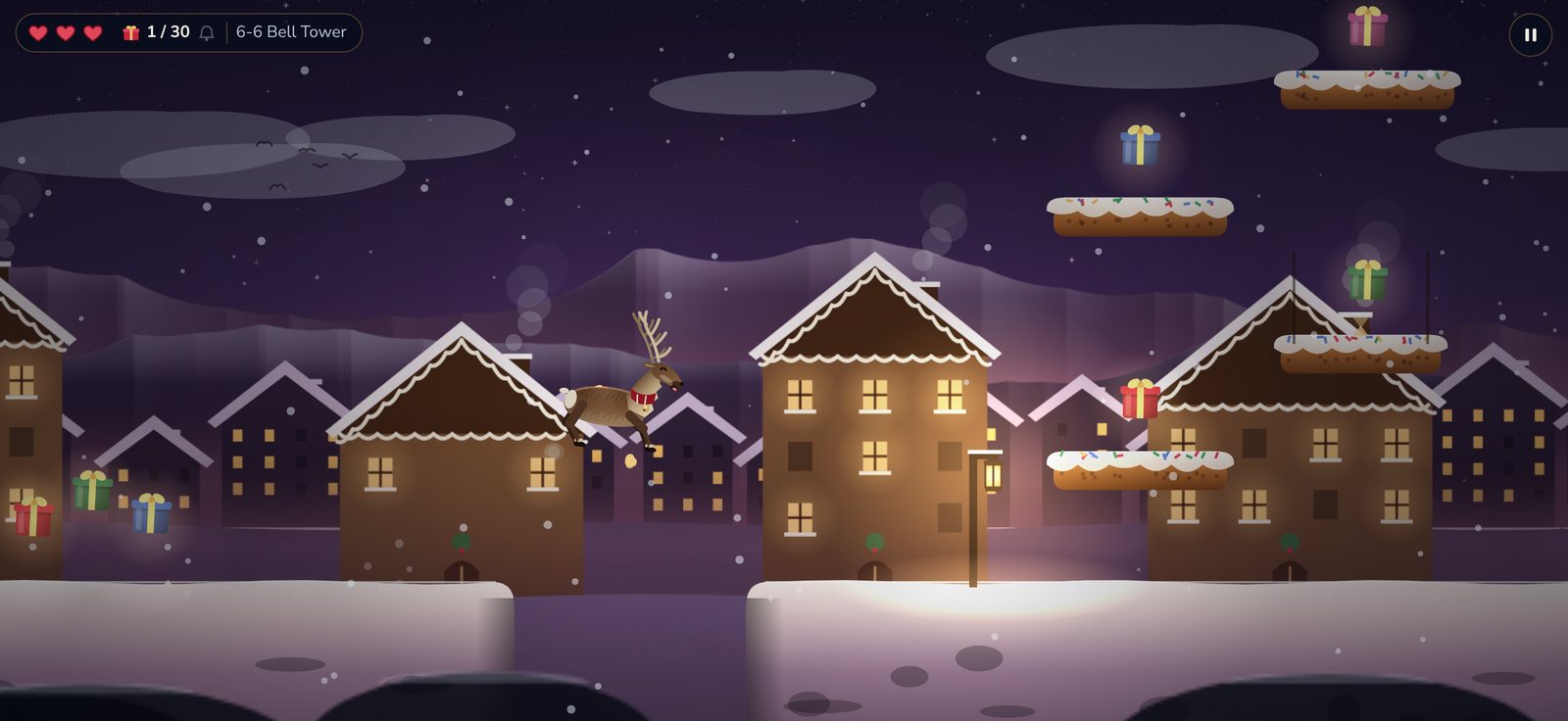
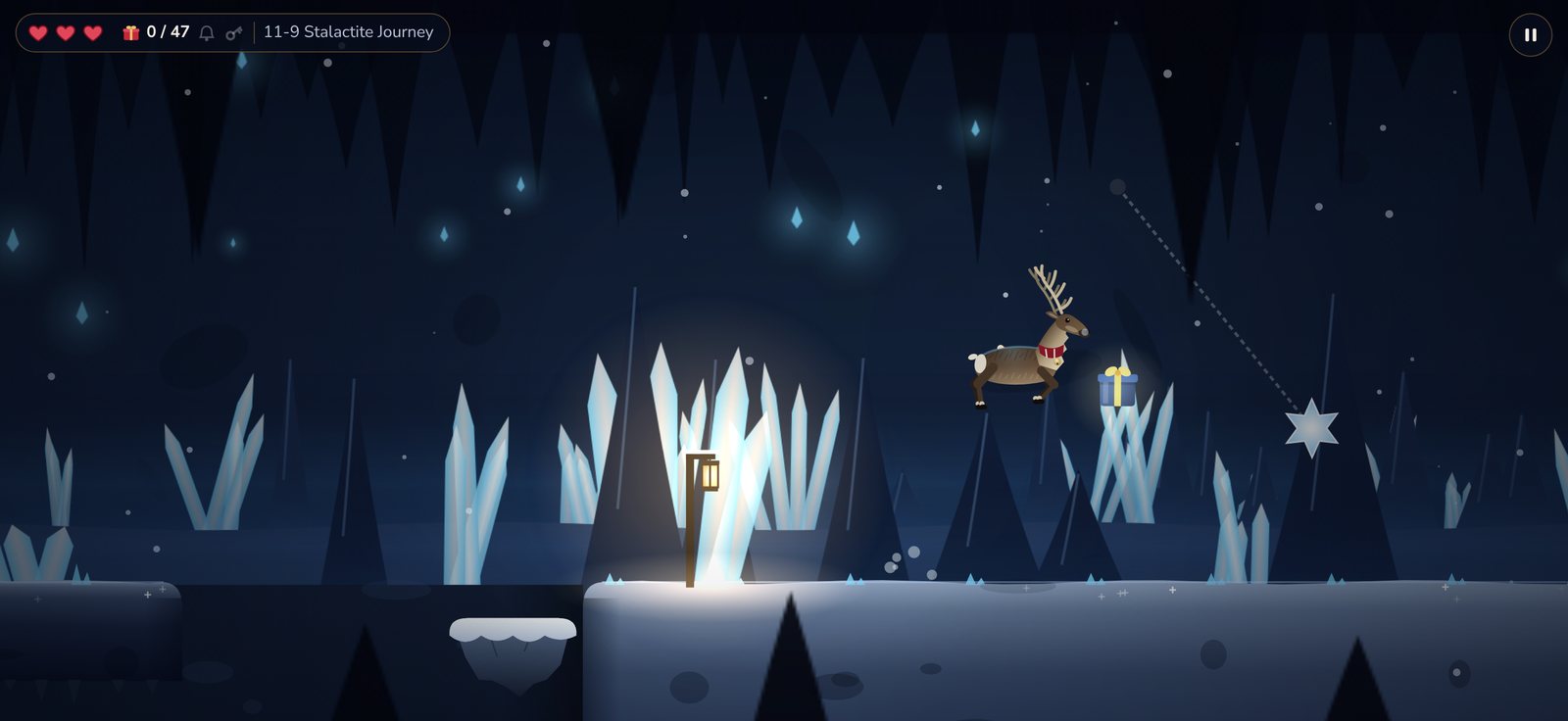
Eight regions, each with its own landscape, music and surprises.
What awaits you
A Christmas game full of excitement – for the whole family.
400 levels in 40 worlds
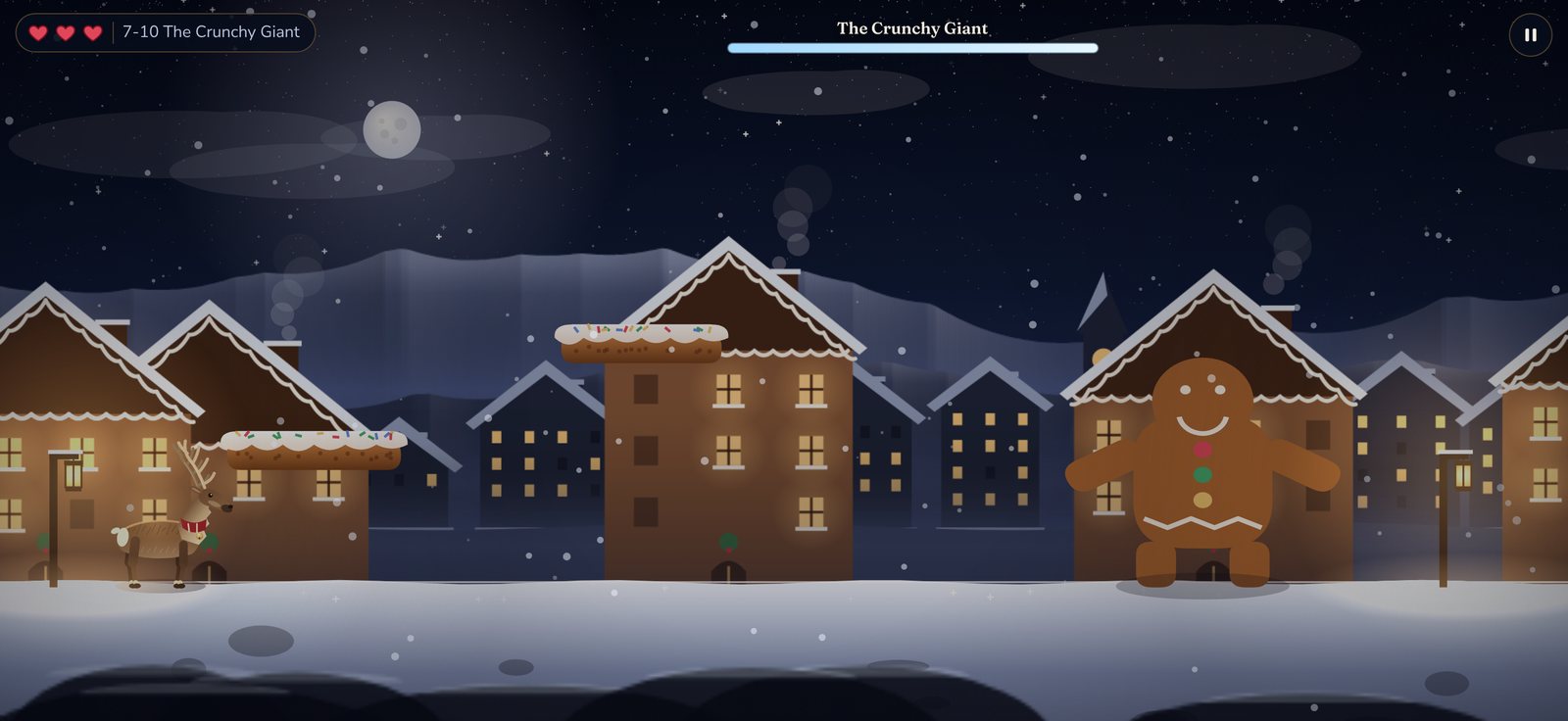
From the pine forest via the Gingerbread Village and the Frozen Lake all the way to Santa’s Palace.
Over 25 gameplay ideas
Zip lines, cannons, ice slides, lantern balloons, mine carts, geysers, wall jumps and avalanches.
40 bosses
From the Snow King to the Ice Dragon and the Nutcracker: dodge their attacks and jump on their heads.
Advent calendar
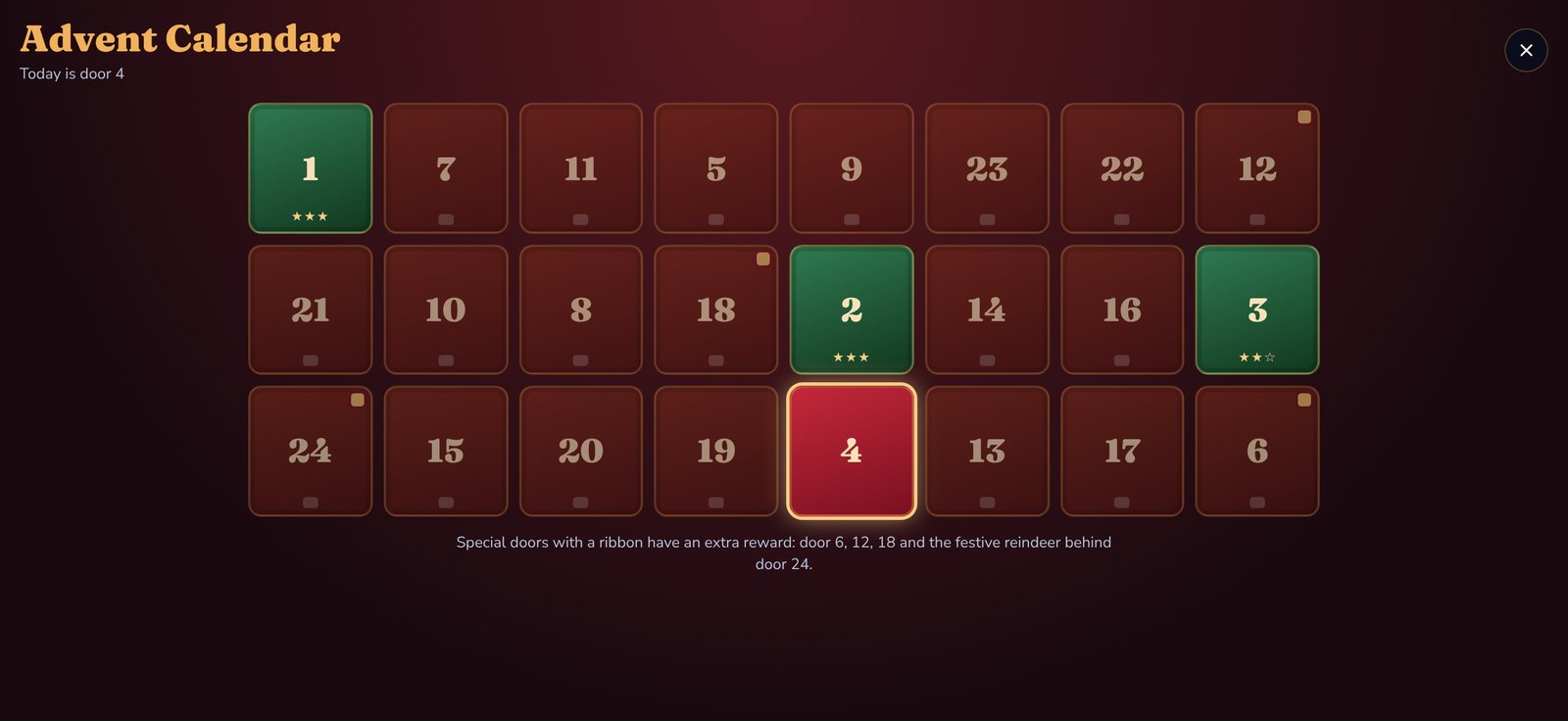
From 1 to 24 December, a new special level opens every day. Behind door 24 waits the Festive Reindeer.
Golden bells
Every level hides a golden bell. Find it to earn the third star.
14 reindeer
Unlock new reindeer and festive extras, many of them as rewards for defeated bosses.
Achievements and leaderboards
25 achievements and three leaderboards in Game Center.
Progress in iCloud
Your progress is safely stored – even on a new iPhone.
English and German
The game automatically uses the language of your iPhone.
Fair to play
The whole game can be completed without purchases. Purchases are extras.
Help
Answers to the most common questions. Something missing? Write to us at support@goldendoggames.com.
How do I control Pip?
Walk left and right with the buttons at the bottom left, jump with the button at the bottom right. Hold the jump button longer to jump higher. In the settings you can enlarge the buttons or move the jump button to the left.
How do I move my progress to a new iPhone?
If you are signed in to iCloud with the same Apple ID on both devices, Pip picks up your progress automatically. You can also sync manually in the settings under “iCloud”.
I have a new iPhone. How do I get my purchases back?
Open the settings in the game and tap “Restore purchases”. Reindeer, extras and “Remove ads” will be unlocked again. Gift sacks are consumed and cannot be restored.
How do I get rid of the ads?
With the “Remove ads” purchase or the Starter Pack, the ads between levels disappear. You can still watch optional videos, for example to double your presents, if you like.
Why does Pip ask for my year of birth?
So that children only see child-appropriate ads without tracking. Pip only stores the age group on your iPhone, not the year of birth, and does not send it to us.
When does the Advent calendar open?
From 1 to 24 December, a new door is added every day. You can catch up on missed days, and all 24 doors stay playable in January.
A level is too hard for me. What can I do?
Before each level you can pick power-ups, such as an extra heart, a snow shield or jump boots for a double jump. Lanterns save your progress, and the Strong Heart upgrade gives you more hearts in every level.
The game stutters on my iPhone.
Set “Graphics” to “Low” in the settings. Pip then shows fewer effects and runs smoothly on older devices too.
Ready for the adventure?
Pip – A Reindeer Adventure is coming to the App Store in November 2026.
App Store